Termite Graph and Inspection App
PestDraw is a termite graph and inspection app for pest control professionals and WDO/WDI inspectors. Draw treatment graphs on iPhone, iPad, Android, Mac, or Windows, and export them for reports.
A termite inspection app built for the field
PestDraw replaces paper graphs and generic markup tools with a drawing app made for termite work. Build a clean, report-ready graph on-site and keep it with the service record.
- One license per user covers all devices: iOS and Mac, Windows, or Android.
- Company licensing is available, with volume discounts.
- Global map coverage: find the building, use its outline, and draw a graph quickly.
- Layers for long-term treatment management across original and follow-up work.
- Affordable: $3.99/month or $34.99/year per named user, plus a free tier.
How to make a termite graph in PestDraw
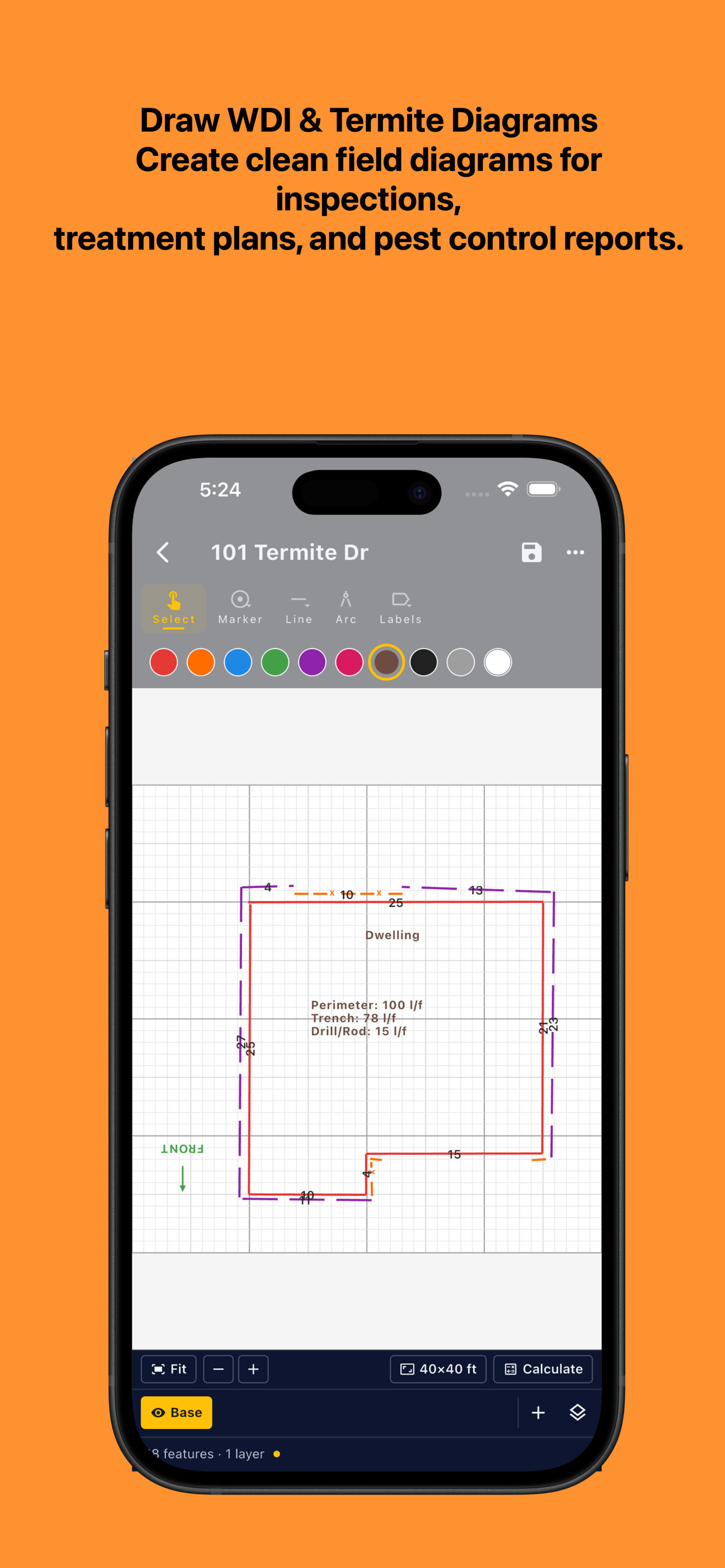
- Create the structure outline from scratch or from a map building footprint.
- Mark treatment areas, drill and rod points, trench lines, piers, trees, and stumps.
- Add labels and measurements, including state and custom labels with PestDraw Plus.
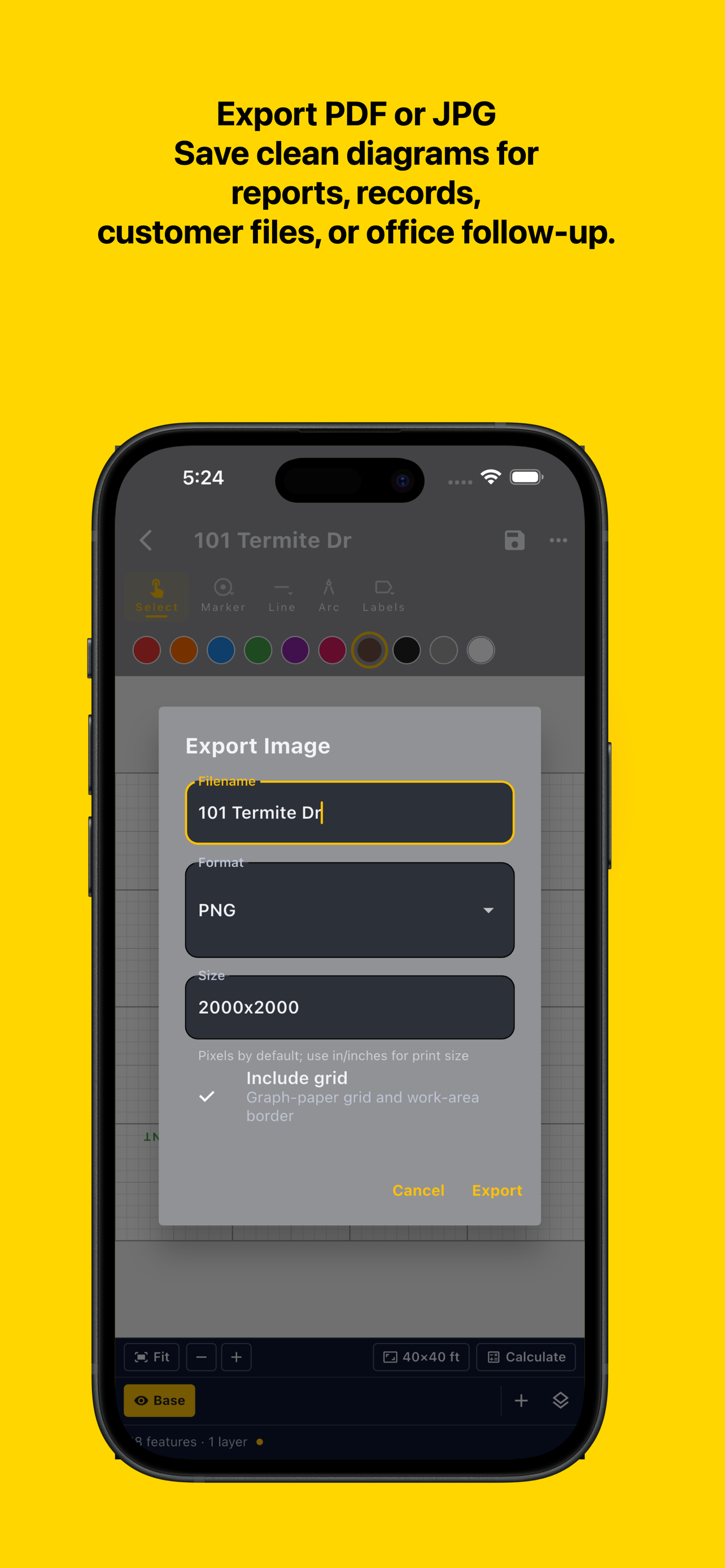
- Save and export a PNG, JPG, or PDF for the report and customer file.
Layers for retreatments and long-term management
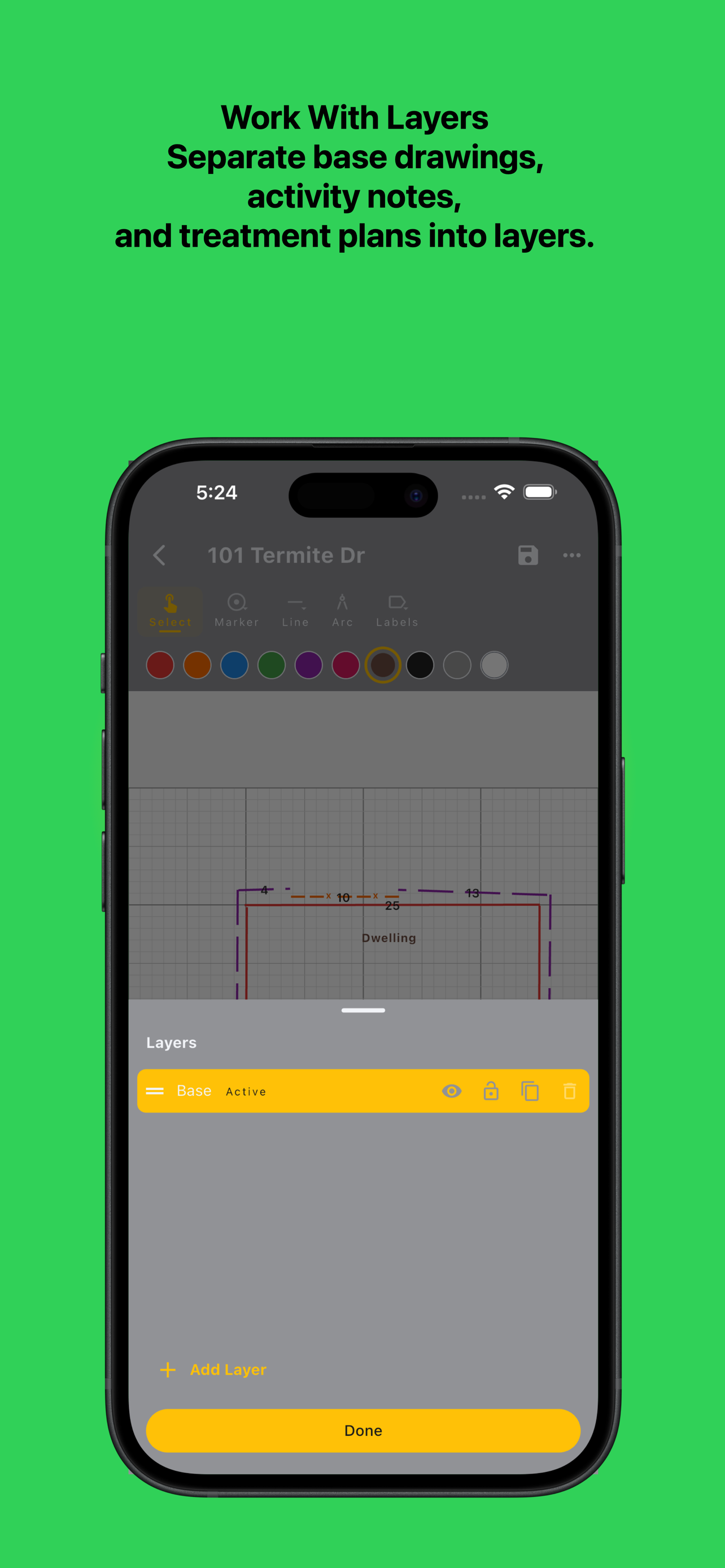
Termite protection is rarely a one-visit job. Put each treatment or inspection on its own layer, then show, hide, or lock layers as the property history grows.
Pricing
PestDraw is free to download. PestDraw Plus is $3.99/month or $34.99/year (USD) per named user, and one license covers your devices on iOS and Mac, Windows, or Android when you sign in. Company licensing is available with volume discounts through the Licensing portal.
Get PestDraw
Available for iPhone, iPad, Android, Mac, and Windows.




More from PestDraw
Frequently asked questions
What is a termite graph?
A termite graph is a diagram of a structure that shows inspection findings and treatment details such as treated areas, drill and rod points, trench lines, and bait stations. It is kept with the service record.
What is the best way to create a termite graph on a phone or tablet?
Use a drawing app built for pest control. In PestDraw you can start from a building outline on the map or from scratch, add treatment markers and labels, and export the graph as PNG, JPG, or PDF.
Is PestDraw termite inspection software?
PestDraw is a termite inspection and treatment diagramming app. It handles the drawing and graph portion of the work. It is not a full CRM or scheduling system, and drawings can be attached to your existing records.
Can PestDraw be used for WDO and WDI graphs?
Yes. Inspectors can draw WDO/WDI graphs and structure notes with standard labels and field markers, then export them for reports. State and custom labels are available with PestDraw Plus.
How much does the termite inspection app cost?
PestDraw has a free tier. PestDraw Plus is $3.99 per month or $34.99 per year (USD) per named user, and company licensing with volume discounts is available.
Does it work on all my devices?
One license per user covers all of that user’s devices on iOS and Mac, Windows, or Android. Sign in with the same account on each device.
Can I track follow-up treatments on the same graph?
Yes. Use layers to keep the original treatment separate from later work. You can hide or lock layers so the earlier record stays intact.
Does PestDraw work offline?
Drawing and saved files work offline. Browse Map and creating a drawing from a building outline need an internet connection.