PestDraw™
Field Diagrams for Pest Control Pros
Create inspection diagrams, termite treatment graphs, bait station layouts, and field notes without fighting general-purpose drawing software. PestDraw is built for pest control professionals who need clear diagrams in the field and report-ready drawings back at the office.
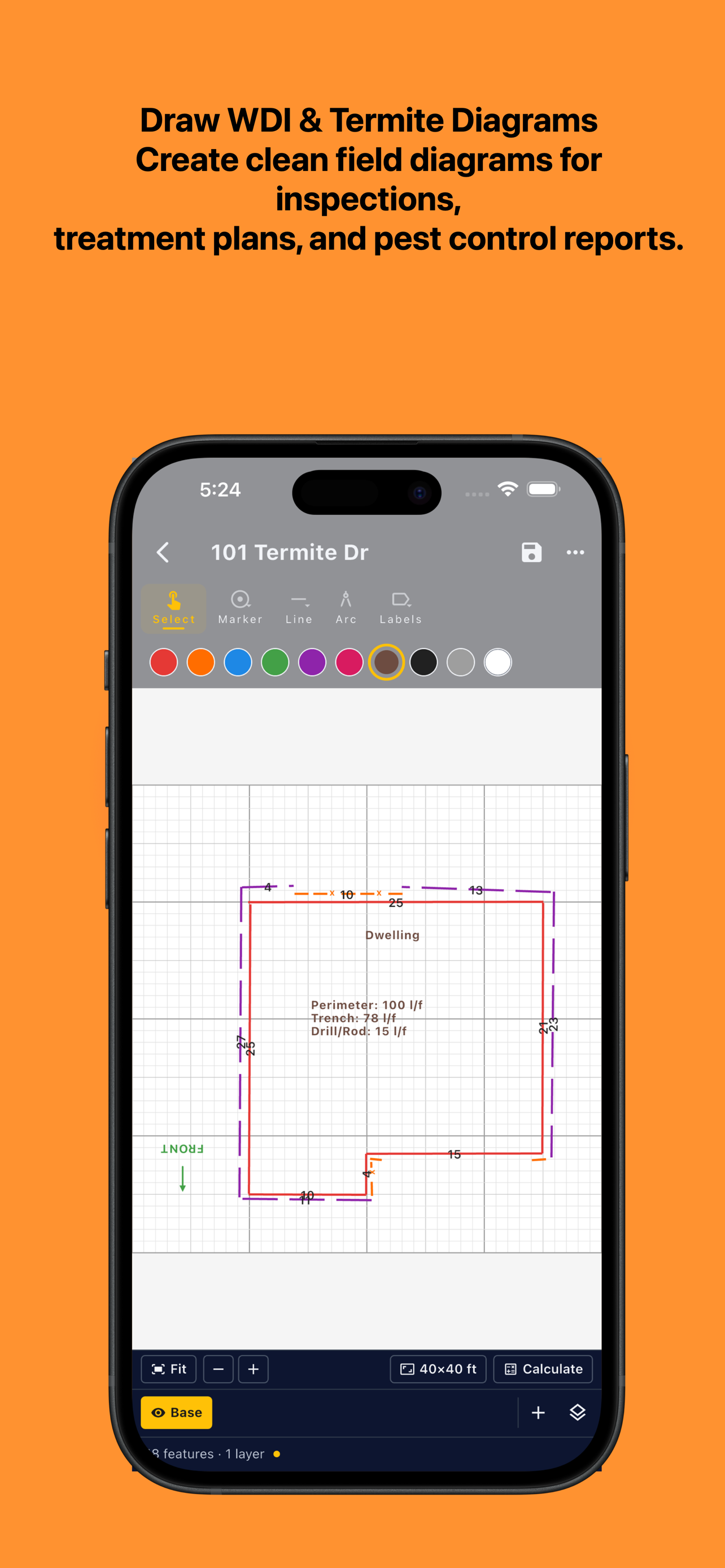
- Draw structures, lines, labels, treatment zones, bait stations, drill points, piers, trees, and other field markers
- Create diagrams from scratch or use supported map/building outline tools where available
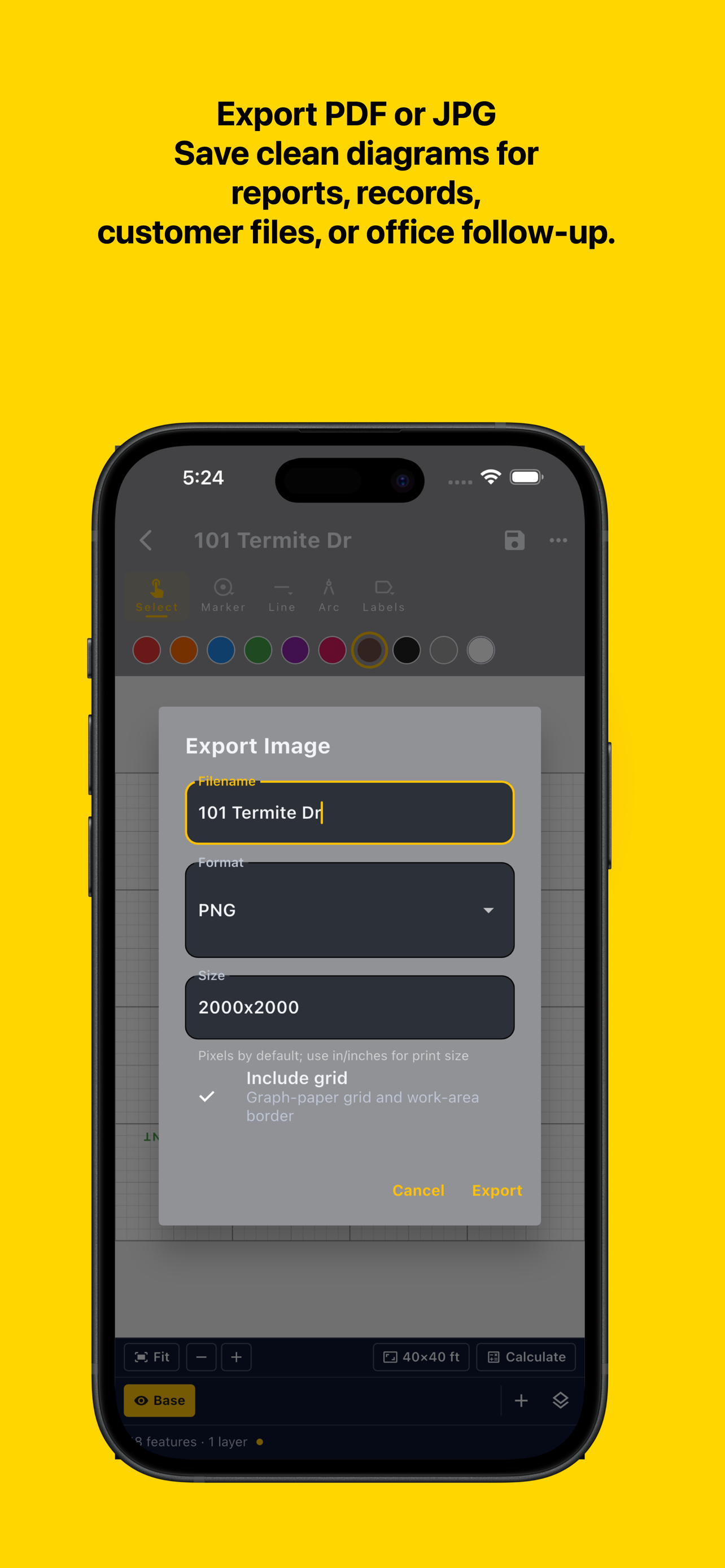
- Save drawings for reports, treatment records, customer documentation, and field notes
- Work across phone, tablet, desktop, and laptop workflows
- Built for termite inspections, WDO/WDI documentation, and pest control treatment planning
Available for iPhone, iPad, Android, Mac, and Windows.




A NanoHawk® app from Swamp Ventures LLC
Screenshots from PestDraw
How It Works
PestDraw helps pest control professionals build clear field diagrams without starting from a blank PDF editor or generic sketch tool.
- Start a drawing from scratch, or use supported map/building outline tools where available
- Add structures, lines, labels, measurements, treatment notes, and field markers
- Mark termite treatment areas, drill/rod locations, bait station runs, piers, trees, stumps, and other inspection details
- Save the drawing for reports, service records, customer documentation, or future reference
No account required for basic drawing: You can create and save drawings without signing in. Sign-in is only used for account-linked features such as restoring purchases or using services that require an account. PestDraw does not sell personal information or use support emails for marketing. Map and building outline features require network access.
PestDraw Plus
PestDraw Plus unlocks larger and more advanced field-diagram workflows for professional use. The free version is designed to be useful for small/simple diagrams, while Plus removes professional limits for inspectors and pest control companies that rely on PestDraw regularly.
Plus features may include:
- Larger drawing areas
- More advanced treatment and documentation workflows
- State-specific label/stamp support where available
- Map/building outline drawing features beyond the free limits
- Ongoing updates and platform support
Who is PestDraw for?
Pest Control Professionals
- Termite technicians documenting treatment areas, drill points, trench lines, and bait stations
- PCOs creating treatment graphs for service records and customer files
- Field supervisors reviewing or standardizing diagram documentation
Inspectors and WDO/WDI Documentation
- Inspectors drawing WDO/WDI graphs and structure notes
- Professionals who need clearer diagrams than a markup-only PDF workflow
- Anyone who needs fast, practical field drawings without desktop CAD software